
Version
1.0.117 · build 118
HexForge Pro · macOS
A native tool for viewing and editing binary contents, working with offsets and inspecting file data on macOS.
macOS 11.0+ · Apple Silicon + Intel · ZIP 2.0 MiB
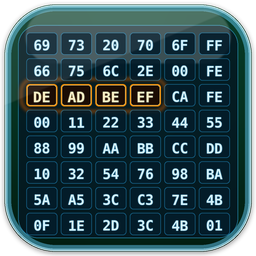 HexForge Pro 1.0.117
1.0.117 · build 118
macOS 11.0 or later
Universal: Apple Silicon + Intel
ZIP · 2.0 MiB
7d2337c8771693202951d1c40a983bdb037cc70ad9b64b3cfdae294b60de3e7fChecksum file Explore and modify file data in an interface dedicated to binary content.
Navigate offsets and use selection and data-copy commands.
Inspect file information and export selections using the formats provided by the app.
HexForge Pro provides inspection and editing operations on files you choose to open. For specific questions about data handling, contact DNMTechLabs support.